Walk and talk
@victoriahiegel
Movement carries the hook. Short captions give the viewer something to follow.

AI VIDEO EDITING FOR IPHONE
Describe your Reel. Handoff cuts it from your footage.
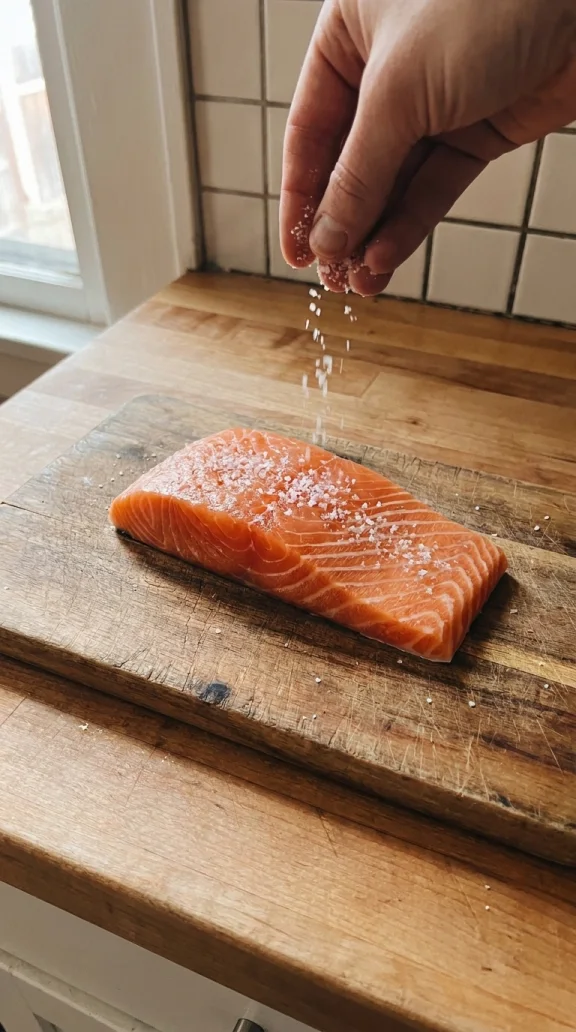 Seasoning
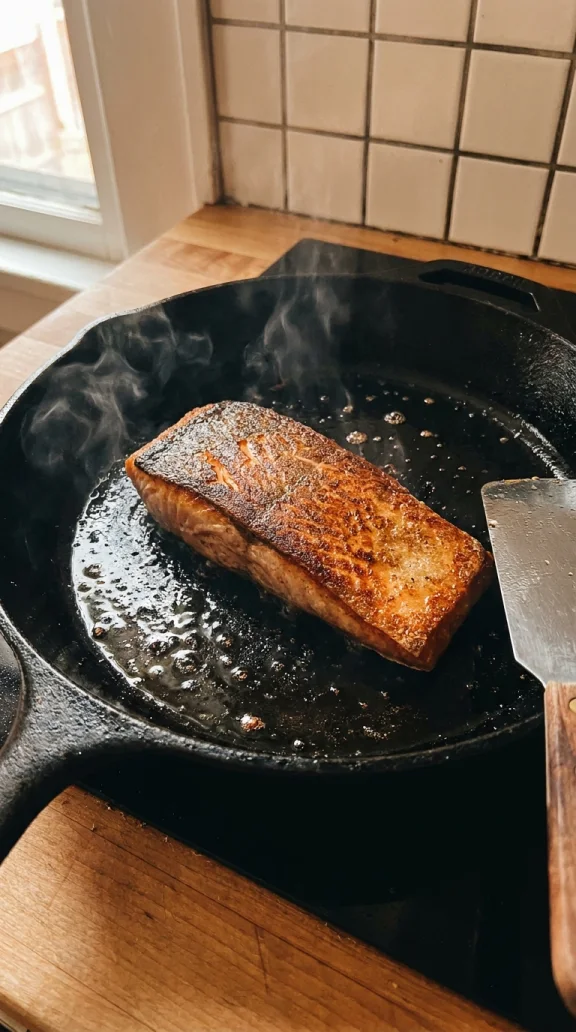 In the pan
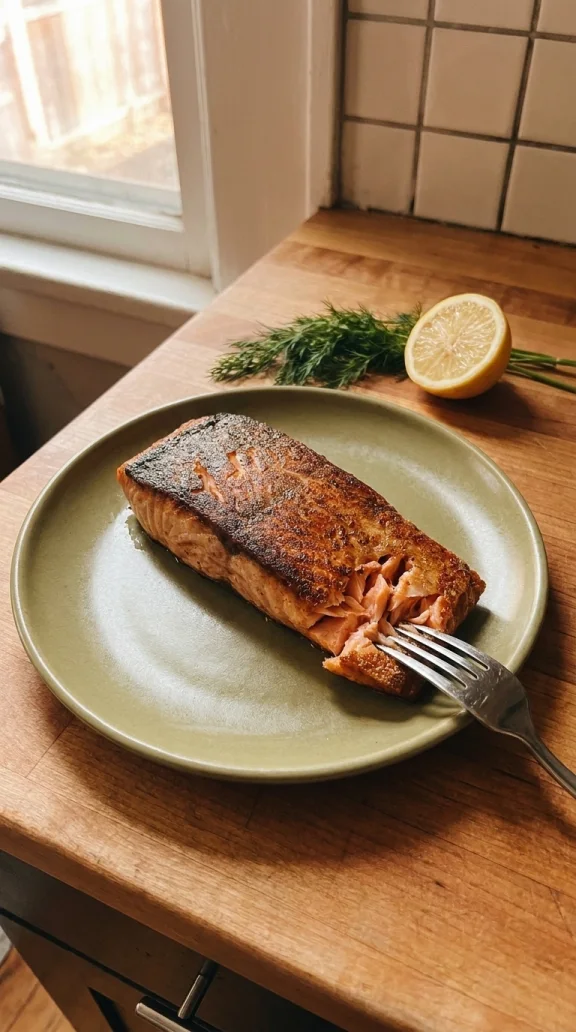 Plating
Open with the sizzle. Then show how it’s made.
Crispy salmon.
One pan.
CREATOR REFERENCES
See how real creators use pacing, captions and B-roll.
@victoriahiegel
Movement carries the hook. Short captions give the viewer something to follow.
@juliagmonty
Close-ups and wide shots make everyday moments feel like a story.
@hector.serrrano
Rapid-fire B-roll slows to one quiet shot before the reveal.
@quinlanwalther
One frame, a direct opening line, and captions paced to the delivery.
HOW IT WORKS
Pick the clips you want to upload from your iPhone. Search by what you filmed when you need that one shot again.
Describe the Reel or TikTok you want and share a reference if you have one. Handoff finds the relevant footage and builds a first cut.
Ask for a faster opening or a different ending. Download the edit when it’s ready, or pull the originals into your own editor.
Connect Claude Code or Codex to find B-roll and work with your footage from the tool you already use.